
Managing your files and using the web Bash Shell in OpenOnDemand
Our Research Computing HPC cluster now has file management and a bash shell available for users in a web browser via Open OnDemand.

This will allow you to manage, edit, upload and download data from the cluster. This is the same home directory that you will have if you SSH straight into hpc1.its.appstate.edu. Also the maximum size for a file upload is 10GB through Open OnDemand. Anything larger will need to uploaded via SCP or SFTP directly to hpc1.its.appstate.edu.
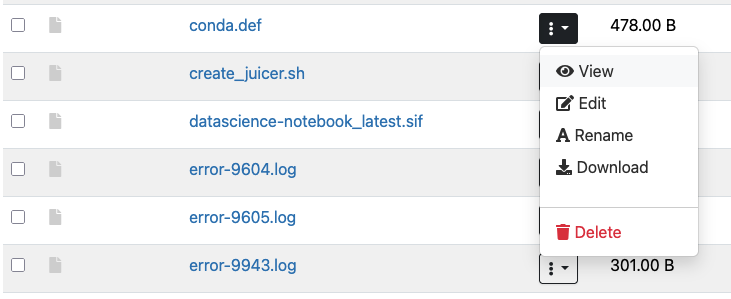
From this interface you can directly edit files. Simply click on the three vertical dots in the column next to the file name and select Edit:
The file will open in the web based text editor:
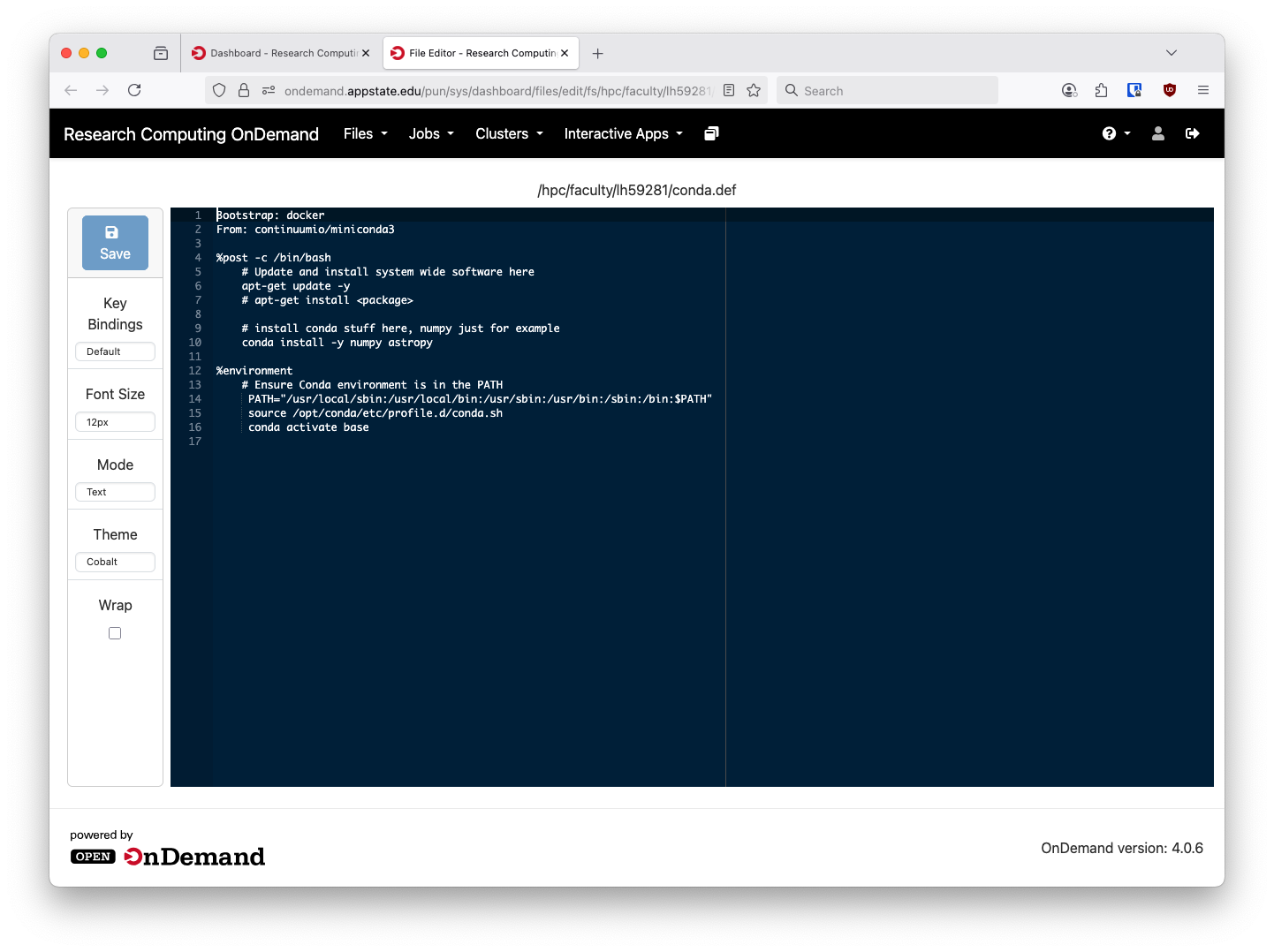
The editor has several themes, both light and dark, selectable on the left hand side.
Open OnDemand also has a web terminal available. It is acceesible via clicking the Open in Terminal option in the file manager or by going through the Clusters menu and selecting ASU HPC Shell Access.

Select ASU HPC Cluster Shell Access Here
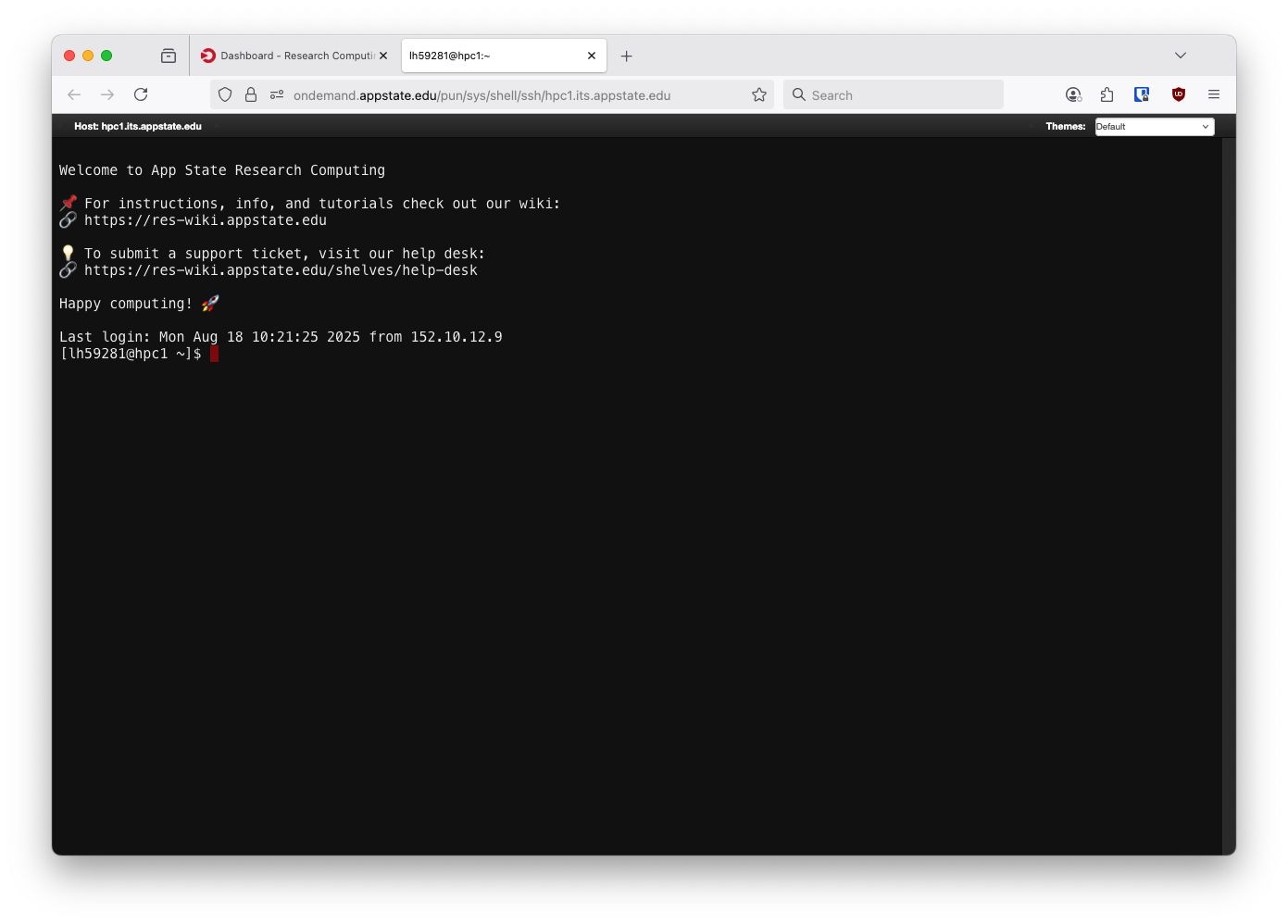
A regular bash shell
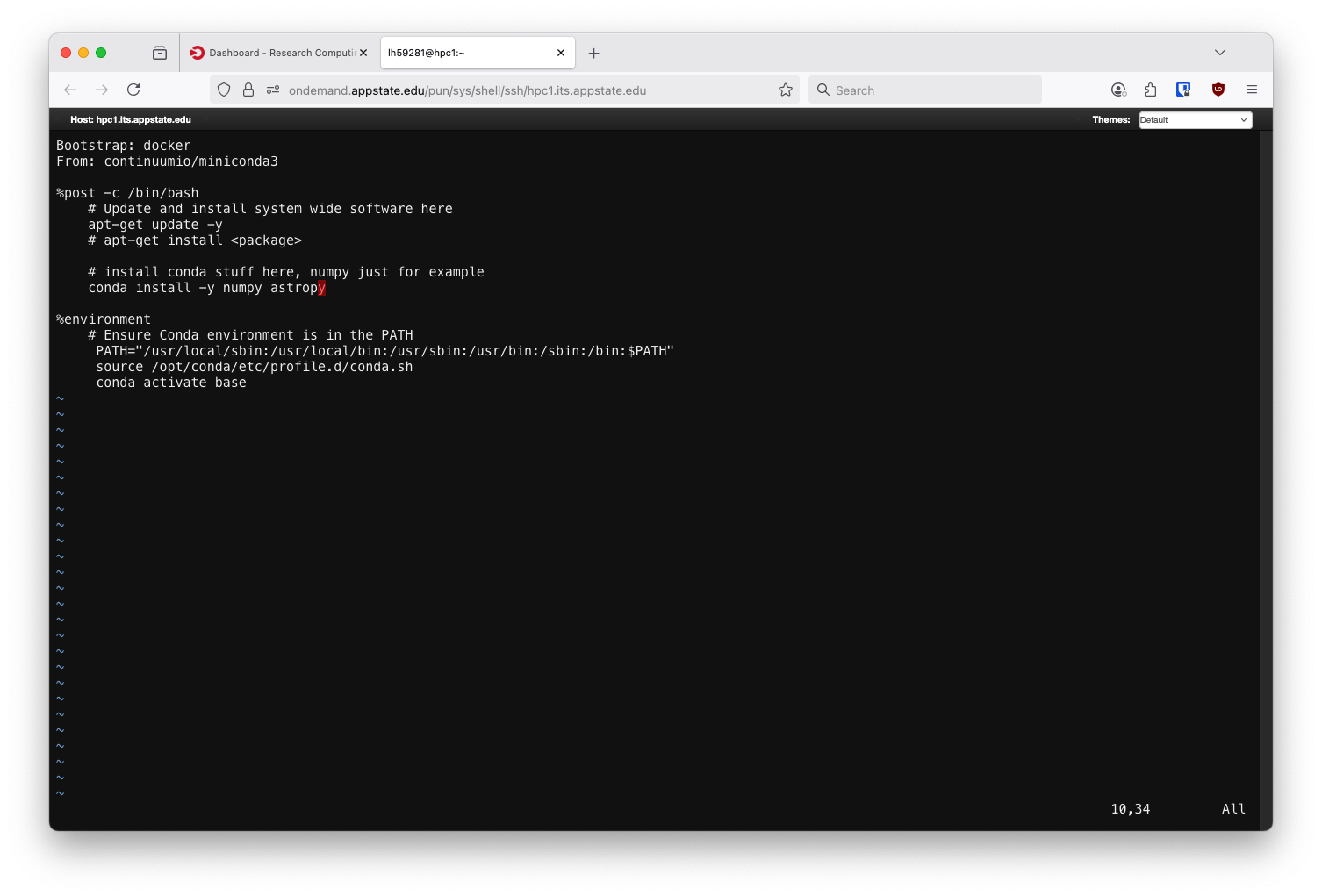
All the usual Linux CLI programs will work here, the same file from before but opened in the vim editor.
Here you will have a regular bash shell just like you do by using SSH to get into hpc1.its.appstate.edu. Any normal Linux CLI program will work here and you can submit Slurm jobs just as before. We will not be removing the ability to have direct shell access to hpc1.its.appstate.edu. This is simply another option. If you are doing some long term shell access or need to have a file open for longer than 20 minutes it is recommended to use regular SSH over Open OnDemand. For security posture reasons Open OnDemand terminals will close their connection after one hour or after twenty minutes of inactivity.
No comments to display
No comments to display