
Jupyter Hub Open OnDemand Application
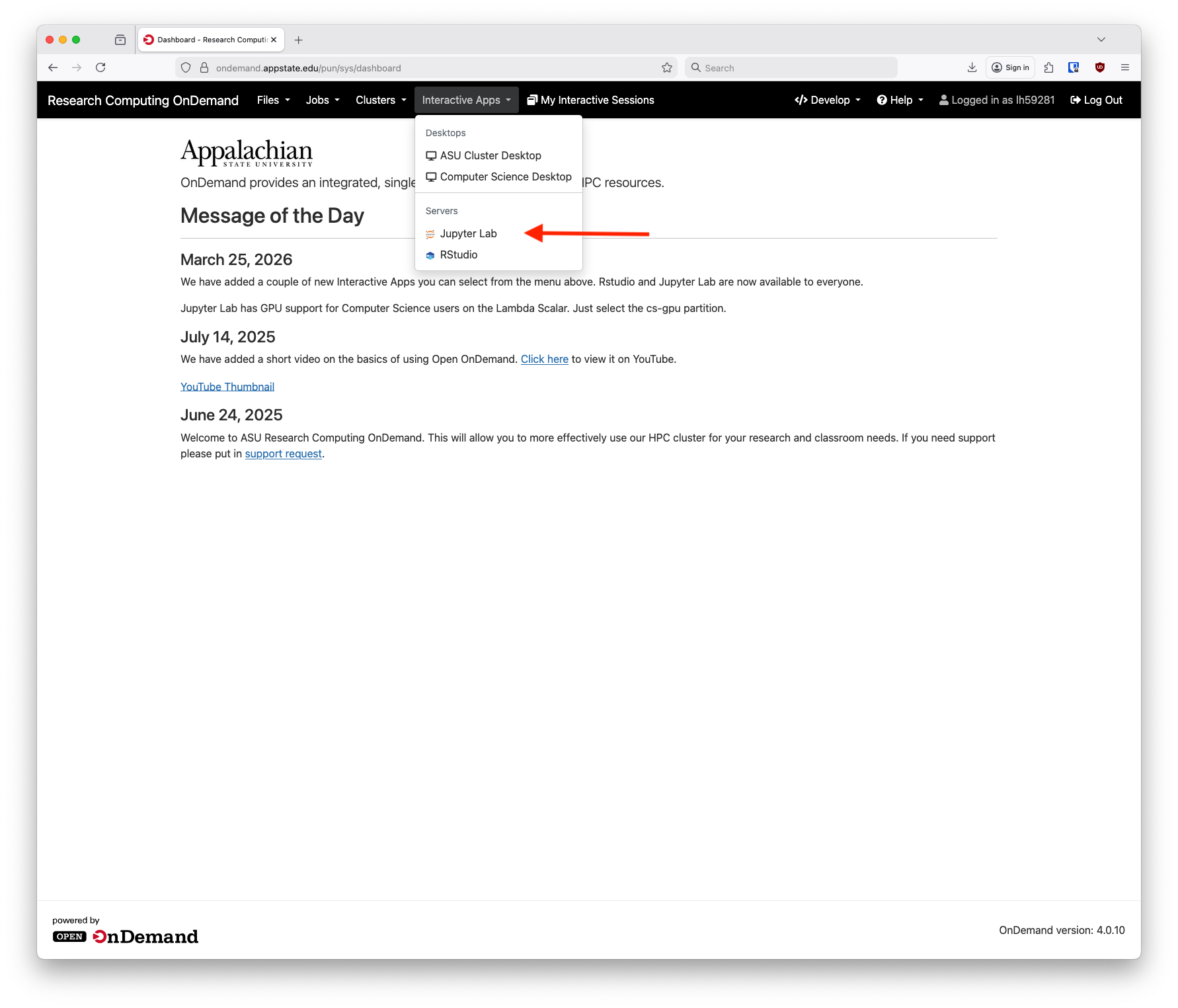
We now have Jupyter Lab available through Open OnDemand. It is accessed similarly to other interactive applications, first login to OnDemand and from the home screen select Jupyter Lab from under Interactive Apps and Servers:
Next, fill out the information requested on the form page. Select the time needed, CPUs and RAM for your session. An optional email filed is so you can receive an email when you session starts or closes. Partition choice should mostly be compute for faculty research, debug for testing and students and cs-gpu for Computer Science users with access to the GPU node.

After you click Launch you'll be taken to a screen to wait for the session to start. This might take a minute give or take. After it is ready you will see a button appear that says "Connect to Jupyter."

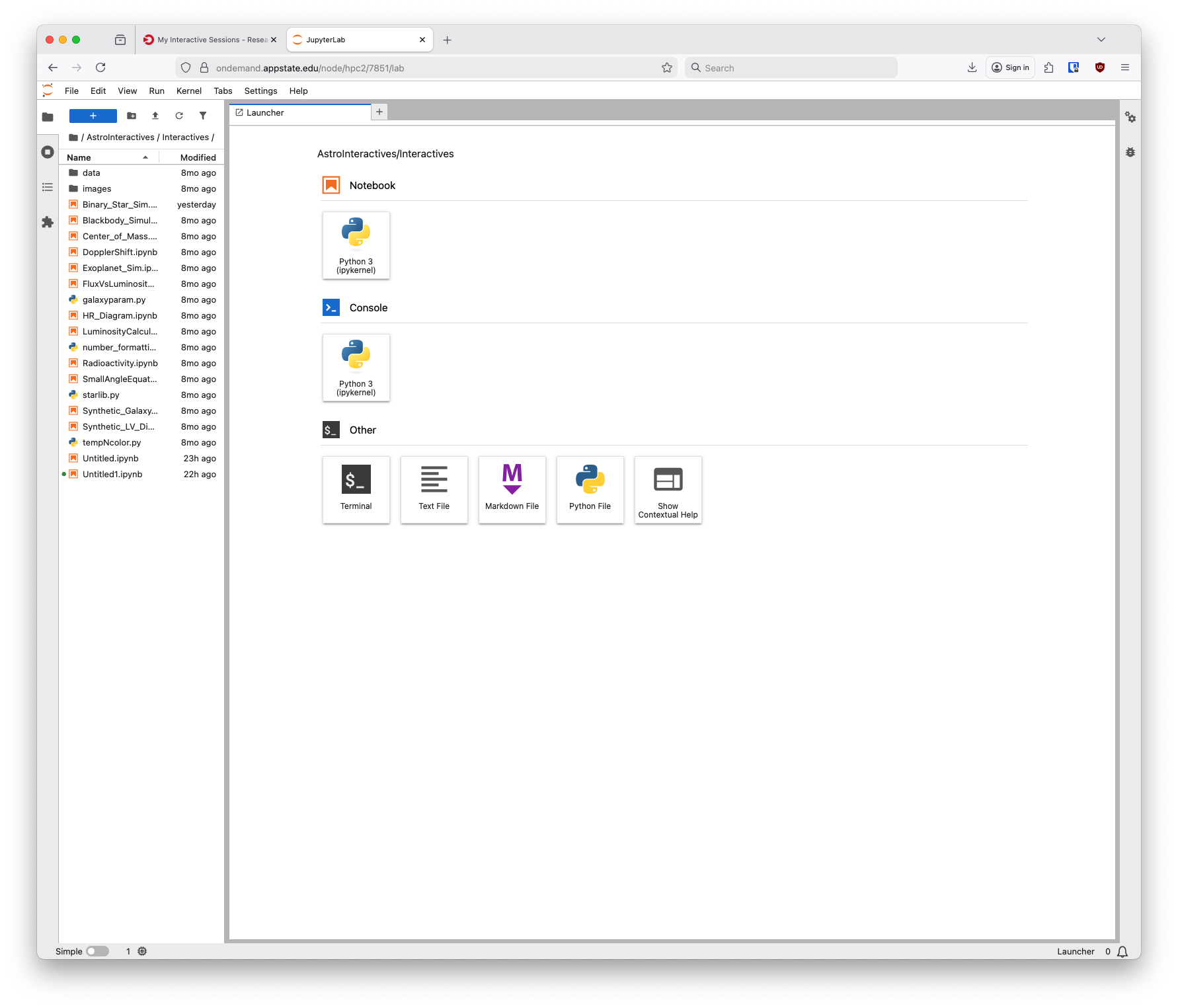
After clicking that a new tab will open with your Jupyter Hub session:
If you have further questions please submit a support request.