Accessing the HPC via Open OnDemand
Our HPC cluster has a web interface available at ondemand.appstate.edu to anyone with an account on the cluster. This provides a more user friendly experience for people who are perhaps not comfortable with a Linux command line environment. Open OnDemand also allows for access to the HPC cluster without needing to use the VPN.
Upon first login there is the Message of the Day where the HPC admin team will be posting updates about patching, reboots, maintenance and new features.
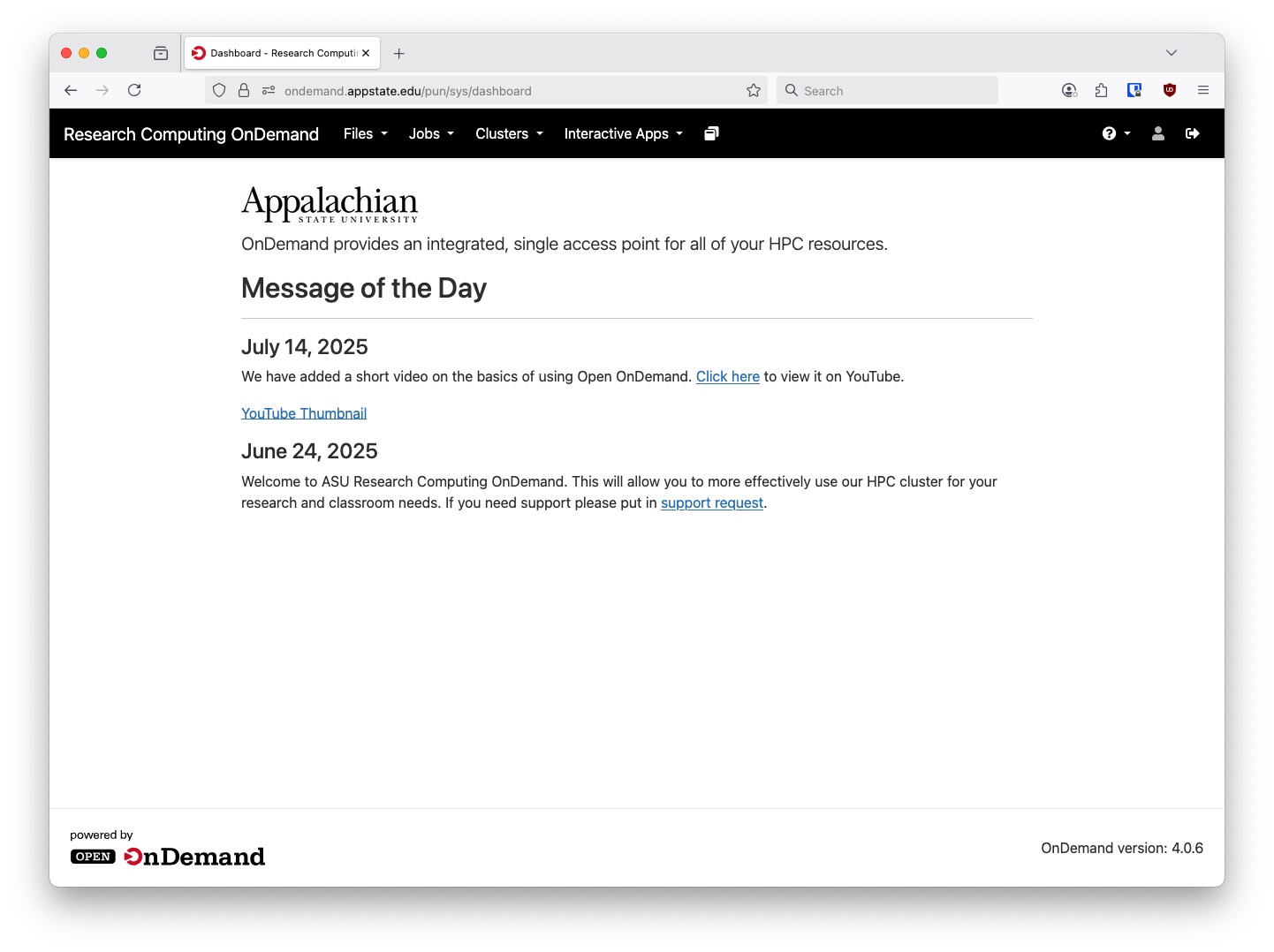
From here there are a few options available. We have a status application underneath the Jobs menu to show a high level view of cluster utilization and available resources:
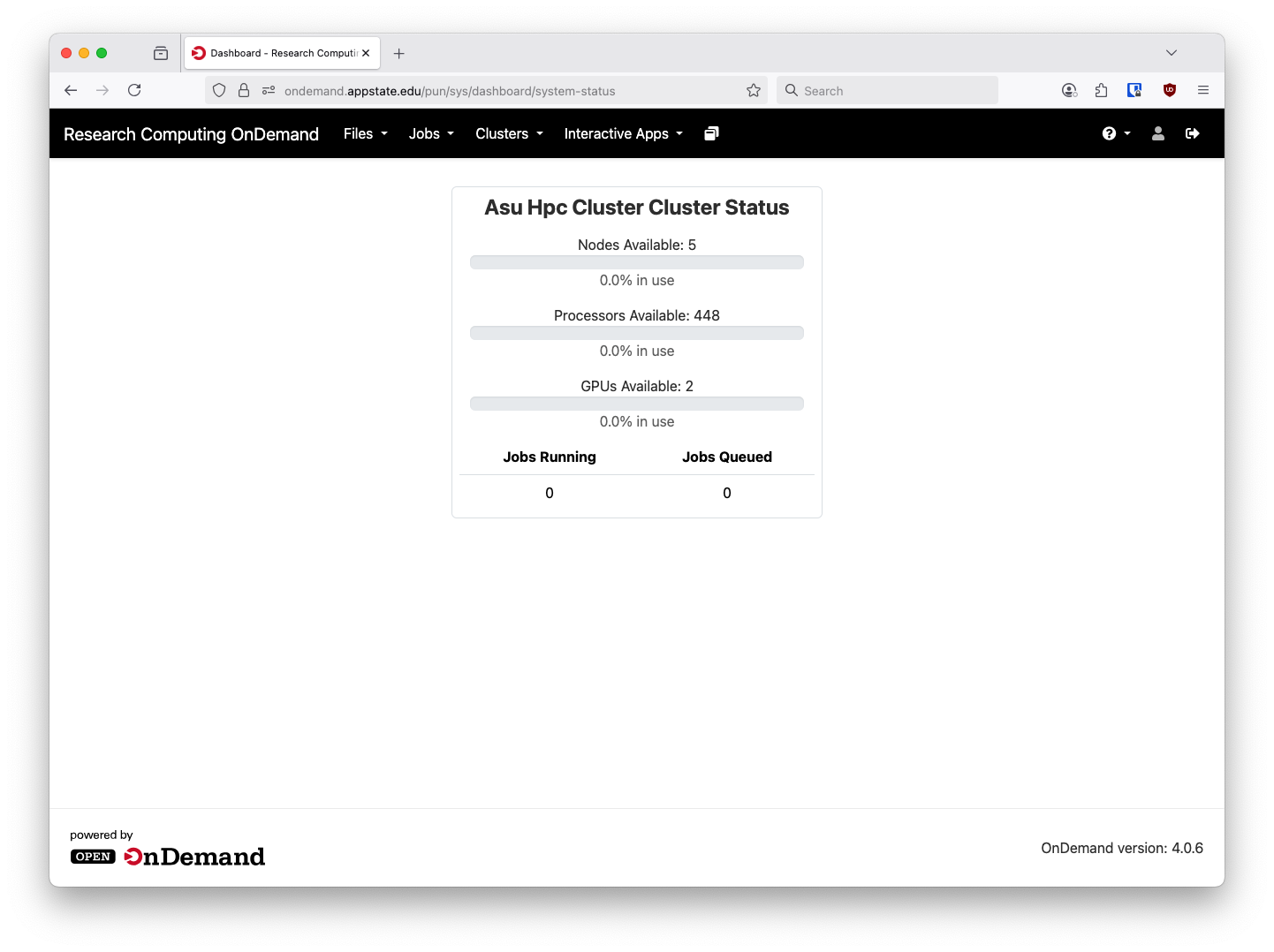
Please note the GPUs are only available for Computer Science users.
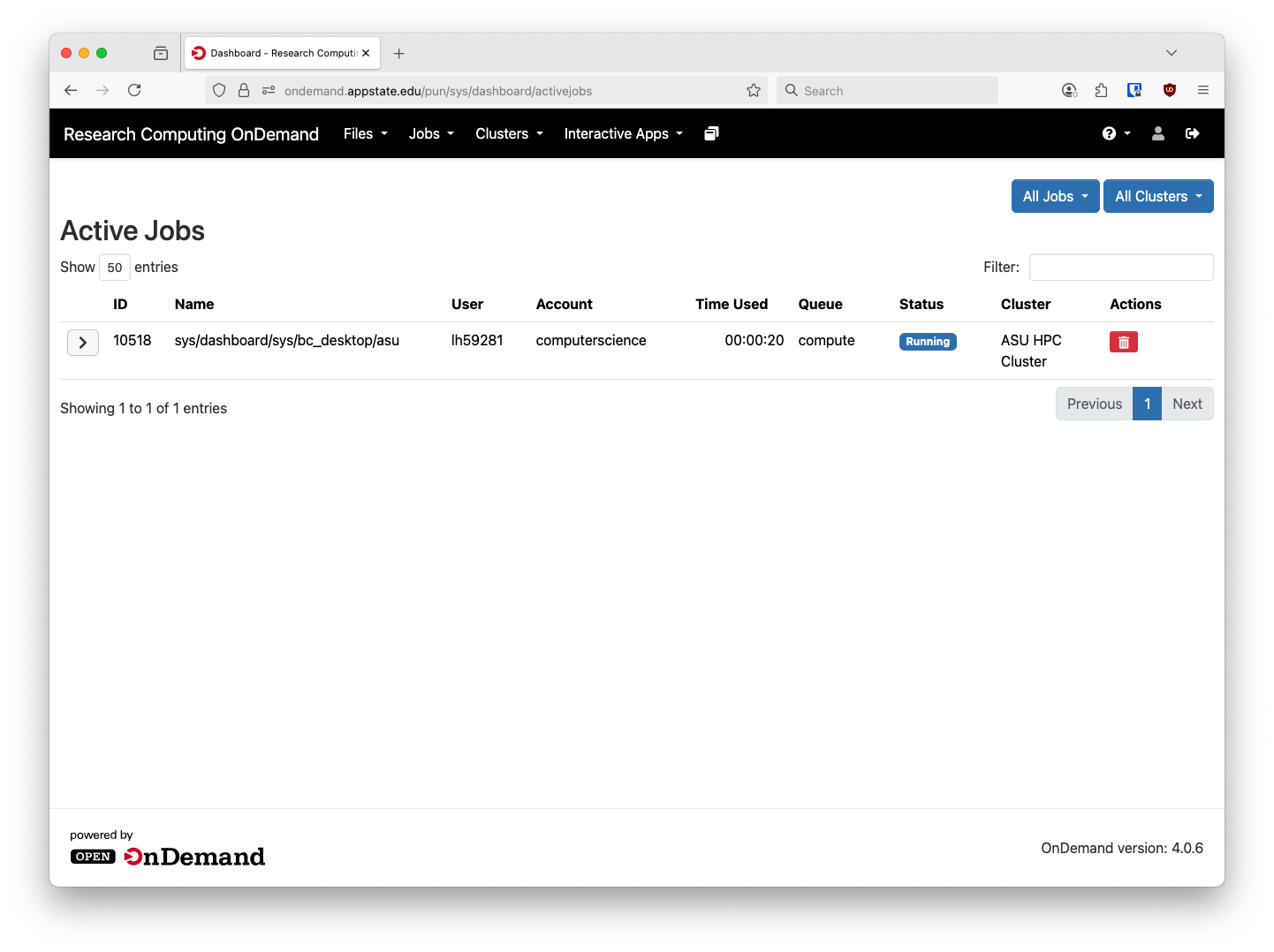
Above the System Status application in the Jobs menu there is an Active Jobs pane that will show your currently running and pending jobs:
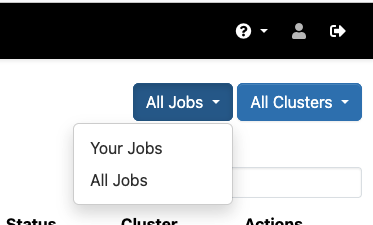
In the upper right hand corner you can also change Your Jobs to All Jobs and see all running jobs on the cluster: